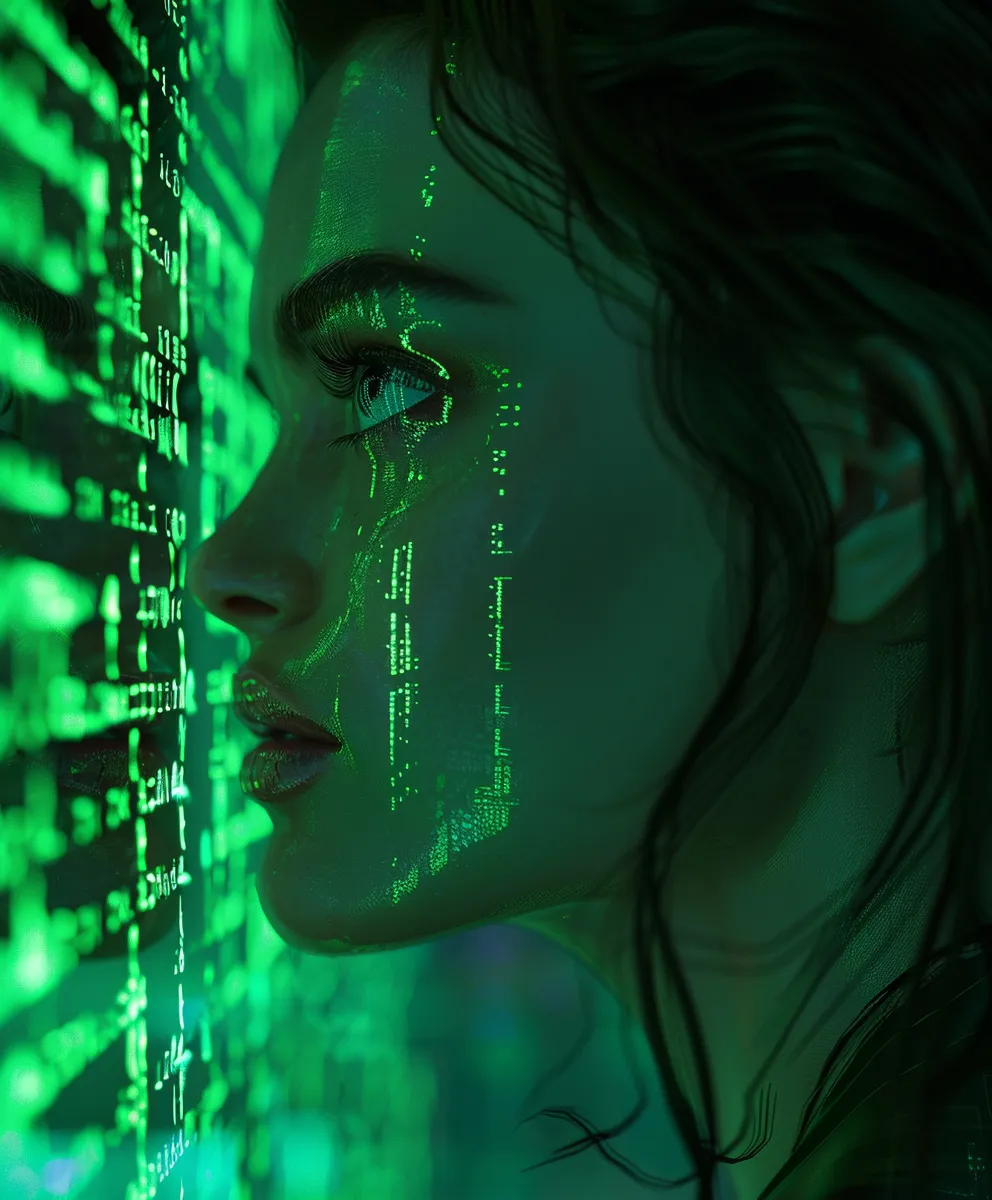
ChatGPT Images 2.0 launched in ChatGPT on April 21, 2026, and it is OpenAI’s latest and greatest image generation model for creating and editing images.
And yes, it is getting good… scary good.
The realism is at the point where trusting your eyes feels like a terrible business plan. Great news for content creators (like yours truly), marketers, designers, and anyone who needs awesome visuals fast. Less great news for your belligerent, wasted uncle, who still believes everything he sees on Mark’s platform, Facebook.
What’s New and Thrilling About ChatGPT Images 2.0
1. Better Prompt Following
ChatGPT Images 2.0 does a better job of understanding what you want and turning that into something usable.
OpenAI says the model has improved instruction-following, better contextual awareness, and broader world knowledge when generating images. That means you can give it more specific requests and expect it to follow the details more closely, instead of producing something that looks cool but ignores half the prompt. We’ve all been there. And we don’t want to go back, ever again.
2. Stronger Image Editing
GPT Image 2 supports high-fidelity image inputs, which matters a lot when editing existing images.
If you upload a reference image, the small details need to stay intact, right? Ugly faces, product designs, logos, colors, textures, and layouts can’t get butchered every time you ask for a small change. That is especially important for businesses and content companies that need visuals to look consistent (cough… Run The Prompts).
3. More Flexible Image Sizes
Flexible image sizes are a practical win.
Not everything needs to be a square image. Sometimes, you need a banner, a portrait graphic, a thumbnail, a product ad, a website hero image, or some awkward social media size invented by a platform that apparently hates designers. GPT Image 2 gives you more room to create images that actually fit where they need to go.
4. Better Text Inside Images
Text generation inside images is much better, and this is one of the biggest upgrades for normal people, businesses, and creators.
GPT Image 2.0 can produce stronger typography, signs, labels, posters, and infographics. OpenAI highlights improved text rendering and dense text generation as part of the model’s progress.
From my testing, some infographics came out with little to no errors, even when I did not give them the exact wording I wanted in the image. Check out the examples on this page. That is a huge jump.
5. Much Higher Detail and Realism
The level of detail and realism is where things get scary good. At this point, I don’t know how they can look any more real. You’ll see what I mean in the images below. The realism is unreal, which is a stupid sentence, but also accurate.
6. API Access for Developers and AI Apps
For developers, GPT Image 2.0 is available through the OpenAI API for image generation and editing. So, just like the prior version, you can use it in other AI apps, too, like our AI darling, Venice AI.
7. A Highly Versatile Tool for Creators
Basically, it is highly versatile and a creative person’s dream. Use cases that used to be a no-go zone for ChatGPT are suddenly possible, like near-perfect infographics, insanely intricate and specific instruction-following, picture-perfect realism, and more.
Product mockups, posters, ads, social posts, thumbnails, infographics, concept art, photography-style shots, weird alien café scenes, whatever. Your imagination can run wild, assuming your imagination is not just “make me another cringe LinkedIn carousel,” in which case, please stop posting to LinkedIn and delete your profile.
11 Thrilling ChatGPT Image 2.0 Prompts and Image Examples
The moment you’ve been waiting for has finally arrived. Let’s party.
1. Beavis & Butthead AI Infographic (Or Something) Prompt
Create an impressive infographic about AI in the style of Beavis and Butthead's animation style. Ensure all of the text in the infographic aligns 100% with Beavis and Butthead's signature speaking tone and style. It should literally look like something Mike Judge would've created. Infuse his humor into it, too.
2. Liquid Death as a Professional Perfume Bottle Photoshoot Prompt
Minimalist [Liquid Death] product photography, editorial still life, placed on a natural limestone stone pedestal, soft linen fabric backdrop in warm white and beige tones with natural folds, soft natural window light, side lighting, gentle organic shadows, airy and calm atmosphere, clean beauty aesthetic, modern organic style, shot on 35mm film look, shallow depth of field, realistic photography, high-end campaign, warm neutral color palette, ultra realistic, high detail, professional studio lighting --ar 2:3
3. Beavis & Butthead – Denny’s Menu Maze Prompt
An intricate and highly detailed fun maze for Denny's restaurant with a Beavis and Butthead theme. Drawn in the style of the Beavis and Butthead cartoon, along with the humor, aesthetics, fonts, etc. It's printed on a laminated Denny's kids' menu. Hyper-realistic, shot on a 35mm Canon camera.
4. 3D Sports Stadiums – Tiger Stadium Prompt
Present a clear, 45° top-down isometric miniature 3D cartoon scene of [old Tiger Stadium], with soft, refined textures, realistic PBR materials, and gentle, lifelike lighting. Use a clean, solid [dark blue] background. At the top-center, display the name of this stadium in large bold text, then directly beneath it show its real seating capacity in medium text, and place the official logo associated with this stadium below the capacity. All text must match the background contrast automatically (white or black). Centered layout, square 1080x1080 dimension.
5. Easy Graph Transformations Prompt
Make this graph way more attractive and awesome. Use cool gradients, shading, and shadows. Make it modern, clean, and amazing. Use dark mode. This needs to be the type of graph that I show my boss, and he instantly gives me a raise because it's just that good.
This was the starting image that I used along with the prompt. Awful, right?

6. Easy Website Refresh Mockups Prompt
This website is [Askjeeves.com]. It's [outdated, hasn't been changed or used by anyone in 26 years]. Make it more awesome and modern-looking. Use dark mode.
Here is the original I used to go along with the prompt (yes, askjeeves.com still exists and still looks like this):

7. Brand Kits for Literally Anything Prompt
Generate an image of a brand kit for an exciting new brand: [The Ejector Bed].

8. 3D Maps of Anywhere Prompt
Create an image: a map of [Arizona] with exaggerated labels and features. It should visually show the physical terrain in 3D.
9. A Middle-Aged Man Base Jumping Into a Video Game Prompt
Cinematic wide-angle shot, mid-air freeze frame of a 40-year-old man in a tailored suit base-jumping off a skyscraper, arms stretched wide, clutching a bottle of liquor, plummeting toward the vibrant city lights, dizzying scale and verticality, breathtaking atmospheric lighting. The background should be pixelated, as if the man is jumping into a video game.
10. ESPN Presents Philippines Midget Boxing Prompt
Make this look like an upcoming ESPN event, like a professional, world-class event about to be televised on ESPN.
Here is the original I used to go along with the prompt (yes, I actually took this photo in the Philippines and attended the event):

11. Cringe iPhone Photo Grid Prompt
4x4 grid of candid nostalgic photos shot with an iPhone of a young couple on vacation, taking selfies of each other and together. Lots of camera shake, amateur framing, and emotional/vintage aesthetic.
Wrapping It Up
ChatGPT Images 2.0 is a huge step forward for AI image generation and possibly the biggest one ever. The realism is better, the detail is sharper, the text is far more usable, and the editing features feel more practical for real business use.
This is the kind of tool that can help content creators, marketers, designers, and businesses move faster without needing a full creative department for every single visual. Of course, it also means fake images are going to get harder to spot, so maybe don’t believe every dramatic image you see online. Humanity had a decent run.
Check out another big release in our full breakdown of Midjourney v8.1 with 12 prompts and examples.
The biggest question now is… how can it get any more real? For real, though.
Drop a comment in the comment section below and let me know what you think of ChatGPT Images 2.0.
Until next time, remember to run the prompts and prompt the planet.